
Install the Crew app for your role
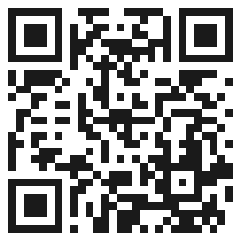
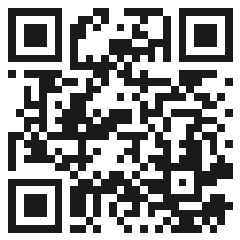
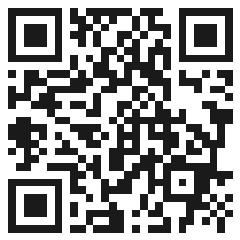
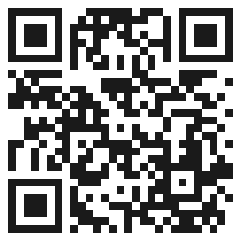
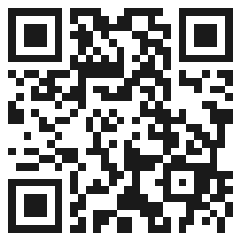
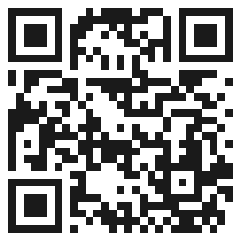
Each Crew app installs directly from your browser. On Android, scan the QR code or download the APK. On iOS, use Safari's Share menu and choose "Add to Home Screen".
Installing on iOS
- Open the app's link above in Safari.
- Tap the Share icon, then Add to Home Screen.
- Confirm the name and tap Add. The app icon appears on your home screen like any other app.